Can You Legally Trademark a Logo Made in Canva?
Learn Canva's logo rules and why custom design may offer stronger trademark protection.
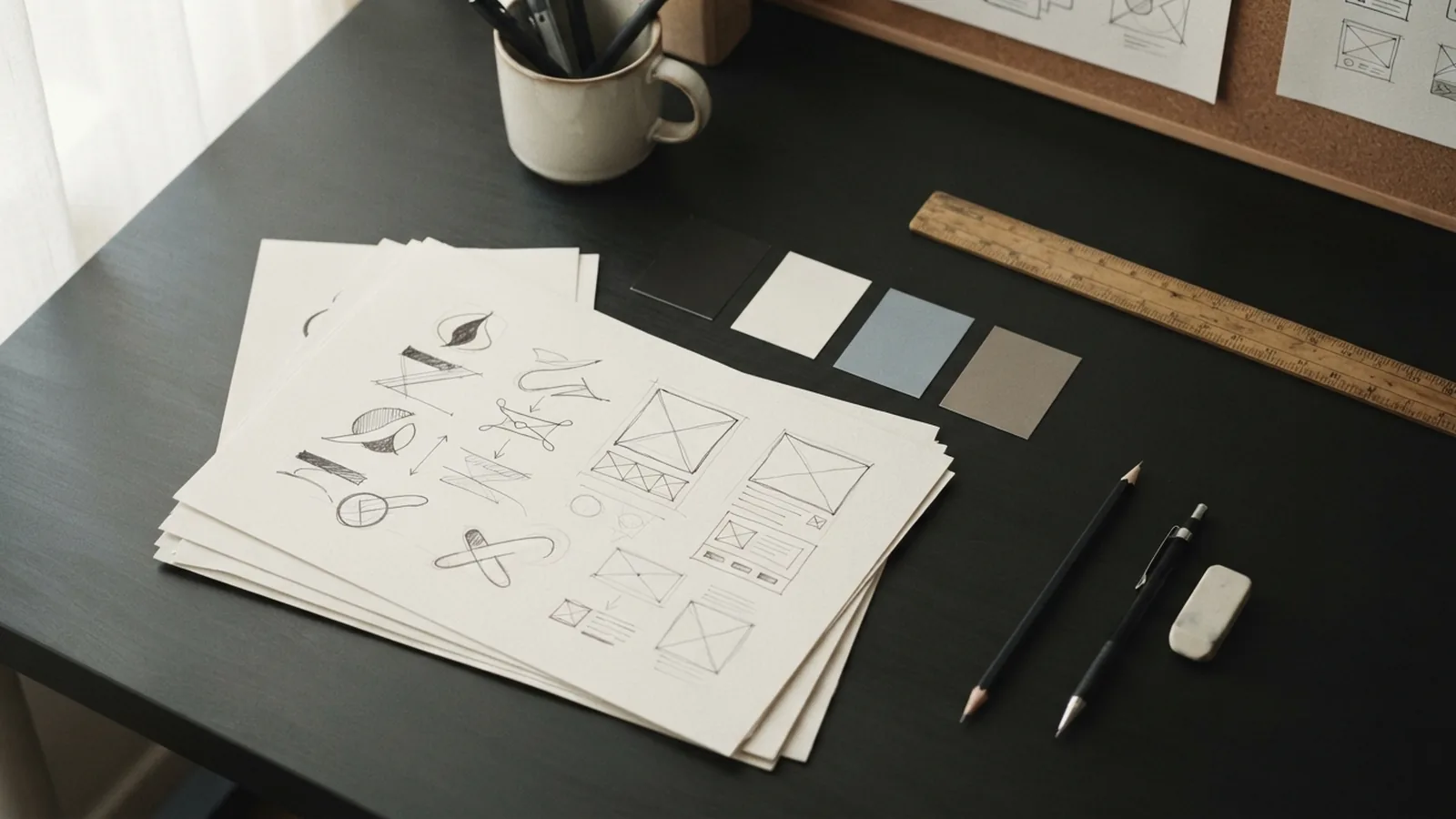
Canva logo licensing: what you can use

Can i trademark a logo from Canva? In most cases, no. Canva lets you use many designs for business purposes. Its licence still limits trademark use for logos made with its templates, graphics, or stock content.
You may place a Canva design on products, websites, signs, and social media. This is commercial use. It does not give you exclusive rights over the design. Other users may access the same template or graphic.
Canva's Content License Agreement sets these limits. The agreement warns against using Canva library content as part of a trademark, service mark, or logo. Check the current terms before using any Canva asset for your brand.
- Commercial use can be allowed under the licence.
- Exclusive ownership is a separate legal issue.
- Canva library content may not support trademark rights.
- Free and paid assets can have different usage terms.
A paid Canva plan does not change this basic point. Payment may unlock more content. It does not turn stock art into your exclusive property.
Can you trademark a Canva logo?
Can you trademark a Canva logo? A design made only from your own original work may raise a different question. A design that uses Canva content faces the licence limits above. The Australian Trade Marks Office also looks at whether your mark can identify your goods or services.
Trademark registration protects a sign that sets your business apart. It does not protect every image placed on a product. A mark must also meet the rules in the country where you seek registration.
For Australian businesses, IP Australia's trade mark guidance explains the role of distinctiveness. A mark that looks common, descriptive, or too close to another mark may face problems. A Canva template can create both risks at once.
So, can you trademark a logo from Canva? Do not assume that you can. First, find every element in the design. Then check its licence and seek advice before filing an application.
What a registration would need
A strong application usually depends on a mark that your business controls. It should not contain artwork that many other users can licence. It should also avoid features that belong to another business.
- List each image, font, shape, and layout in the design.
- Check the licence for each item.
- Search similar marks in your target market.
- Ask a trade mark professional to review the design.
- File only when you understand your rights and risks.
Why Canva templates can weaken your brand
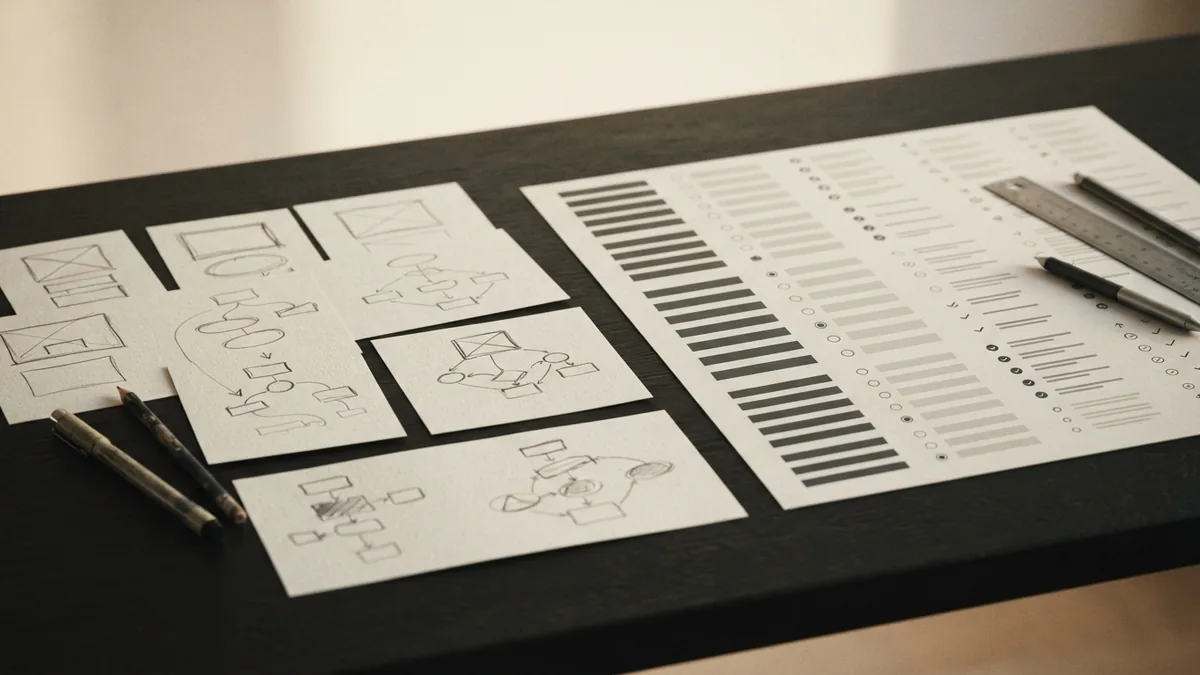
Templates help you make a clean design fast. They also give many businesses a similar starting point. That can make your brand hard to recognise.
For example, a café may use a stock coffee cup, a round badge, and a common script font. Hundreds of other cafés may use close versions. The design may look polished. It may still lack a clear point of difference.
Shared assets can also create disputes. Another business may use the same graphic first. It may own rights in a similar mark. Your use could then cause confusion or a complaint.
These risks do not mean Canva has no value. It works well for draft concepts, event graphics, and short-term campaigns. It is less suited to the core mark that represents your business for years.
How to build a safer, stronger logo
Investment in custom logo design can give your brand more control. A designer can create shapes, type, and colours for your business alone. That work can support a more distinct trade mark.
Start with a clear brand brief. State what you sell, who you serve, and how you want to appear. Give the designer examples of marks you like. Do not ask for a close copy of another brand.
Ask for a written agreement about ownership. It should cover the final artwork, source files, fonts, and any third-party assets. Confirm that the designer has the right to transfer those rights.
Before launch, run a proper clearance search. Search the relevant trade mark database and review similar names and shapes. A registered attorney can check more deeply and explain the filing options.
- Use original artwork made for your business.
- Keep a record of the design process.
- Check fonts, icons, and stock assets before use.
- Secure written rights from every contributor.
- Search similar trade marks before filing.
- Use one consistent version across key channels.
Distinctiveness comes from more than a rare colour. It comes from the full combination of shape, type, and concept. The result should help customers link the mark with one source.
Alternatives to Canva for a trademarkable logo
The best alternative is a professional logo creator who makes original work. You can hire a freelance designer, a design studio, or a branding firm. Your choice should match your budget and the importance of the mark.
A designer can also explain which parts may carry legal risk. They can remove stock elements and build a fresh visual system. This may cost more at the start. It can save money when your brand grows.
Some businesses use drawing software to create their own artwork. This can work if the owner has the needed design skills. The owner must still check all fonts, brushes, and other purchased assets.
You can use Canva as a planning tool instead. Create mood boards and rough ideas there. Give those ideas to a designer for a new, original final mark.
| Approach | Best use | Main concern |
|---|---|---|
| Canva template | Drafts and short campaigns | Low uniqueness and licence limits |
| Own original artwork | Small brands with design skills | Asset rights still need checking |
| Professional designer | Long-term brand identity | Higher upfront cost |
| Design studio | Full brand systems | More time and planning needed |
What to do before using a Canva-made mark
Do not file a trade mark application based on a Canva design without a rights check. The answer to “can you trademark a Canva logo?” depends on the source of every part. One restricted icon can affect the whole design.
Save the template name, asset details, and licence terms. Record when you created the work. These records may help explain your choices later. They do not override Canva's licence.
If the logo matters to your business, replace the Canva assets. Commission a new mark before printing stock or launching a major campaign. Then seek advice on clearance and registration.
In short, Canva supports fast commercial design. It is not a safe path to exclusive logo rights. A custom logo gives you a stronger base for lasting branding and trade mark protection.
Frequently asked questions
- Can I trademark a logo from Canva?
- Can i trademark a logo from Canva? Usually not when the design uses Canva templates, graphics, or stock content. Canva's licence restricts using its library content as a trade mark or logo.
- Can you trademark a Canva logo made from original artwork?
- Can you trademark a Canva logo made from original artwork? It may be possible, but you must check every asset and font. A trade mark professional can assess ownership and distinctiveness.
- Can you trademark a logo from Canva Pro?
- Can you trademark a logo from Canva if you pay for Canva Pro? Paying for Canva Pro does not normally grant exclusive rights. It may grant wider use rights, but licence limits can still apply.
- Can I use a Canva logo for my business?
- Yes, Canva allows commercial use for many designs under its licence. Commercial use does not mean you own exclusive rights or can register the design as a trade mark.
- Should I use Canva or hire a logo designer?
- A Canva logo can be fine for a draft, event, or short campaign. A custom logo is safer for a long-term brand because it can offer more control and distinctiveness.
- What should I do before trademarking a logo?
- Start by listing each Canva asset and checking its licence. Then search similar marks and ask a trade mark professional to review the design before filing.
Related reading
PCI DSS Compliance: Rules and Responsibilities
Understand PCI DSS rules, payment duties, assessment steps, and common costs.
Working in Venture Capital
Explore VC roles, core skills, and steps to build a career in venture capital.
Intellectual Property Lawyer Salary and Career Path
See IP lawyer pay, daily work, skills, education, and career growth.