VESA Compliance Explained: TV and Monitor Mounting
Learn VESA sizes, measure mounting holes, and choose the right TV or monitor mount.
What VESA Compliance Means
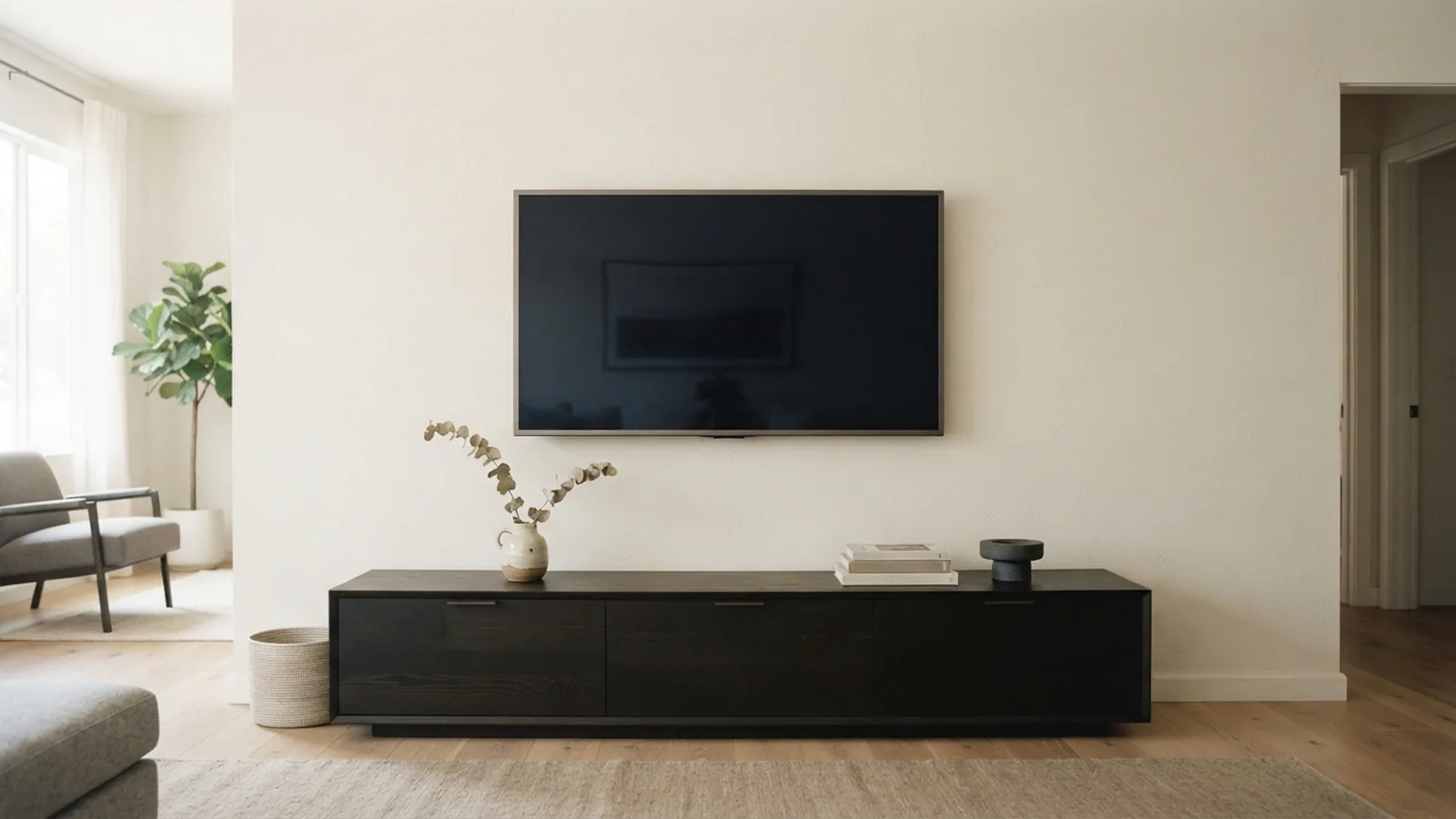
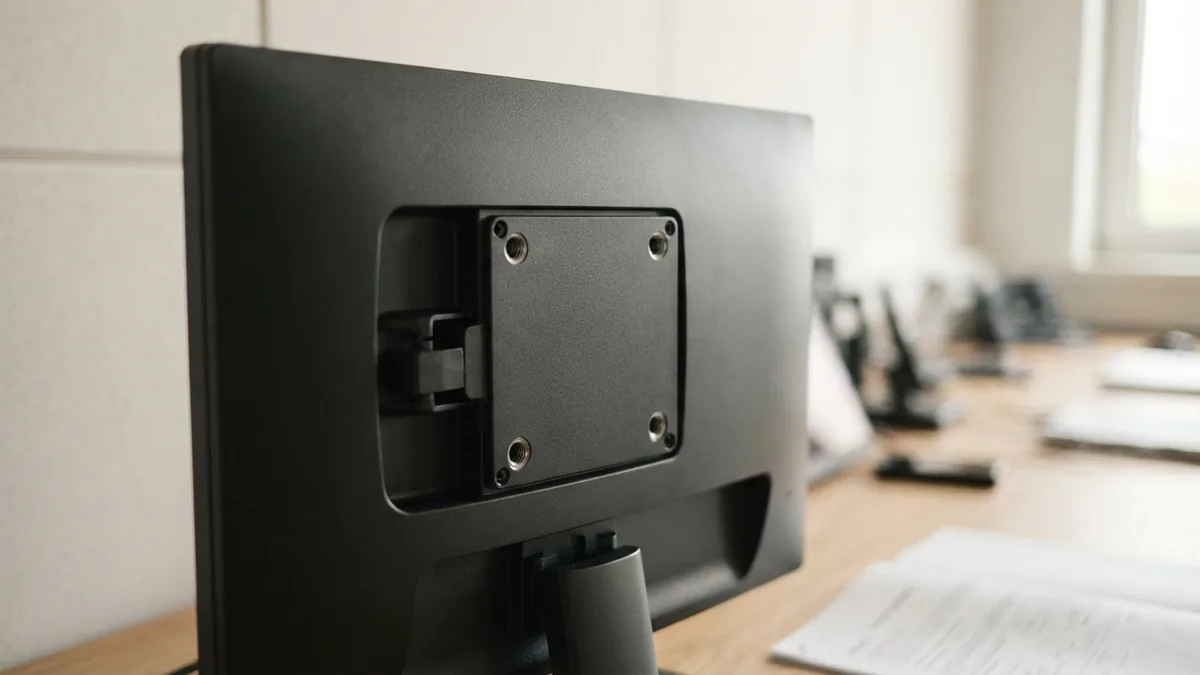
VESA compliance means a display follows a standard mounting hole pattern. The pattern sits on the back of a television or monitor.
VESA stands for Video Electronics Standards Association. This group sets display and mounting standards for many screen makers.
The pattern uses two numbers, such as 100 × 100. The first number shows the horizontal gap between holes. The second shows the vertical gap.
A VESA mount uses that pattern to attach a screen to a wall, desk arm, or stand. Matching both numbers helps ensure a safe fit.
How the VESA Standard Began
VESA introduced its first flat panel mounting rule in 1997. It was called the Flat Panel Monitor Physical Mounting Interface.
People often shorten that name to FPMPMI. The first rule helped makers build screens and mounts that worked together.
Since then, VESA has added patterns for larger and heavier displays. Its standards now cover many monitor and TV mounting needs.
You can review the group’s VESA display standards for the wider standard family. Mount makers often list the same pattern sizes in their product details.
How to Measure a VESA Size
Measuring the hole pattern is vital before buying a mount. A small mismatch can stop the screws from lining up.
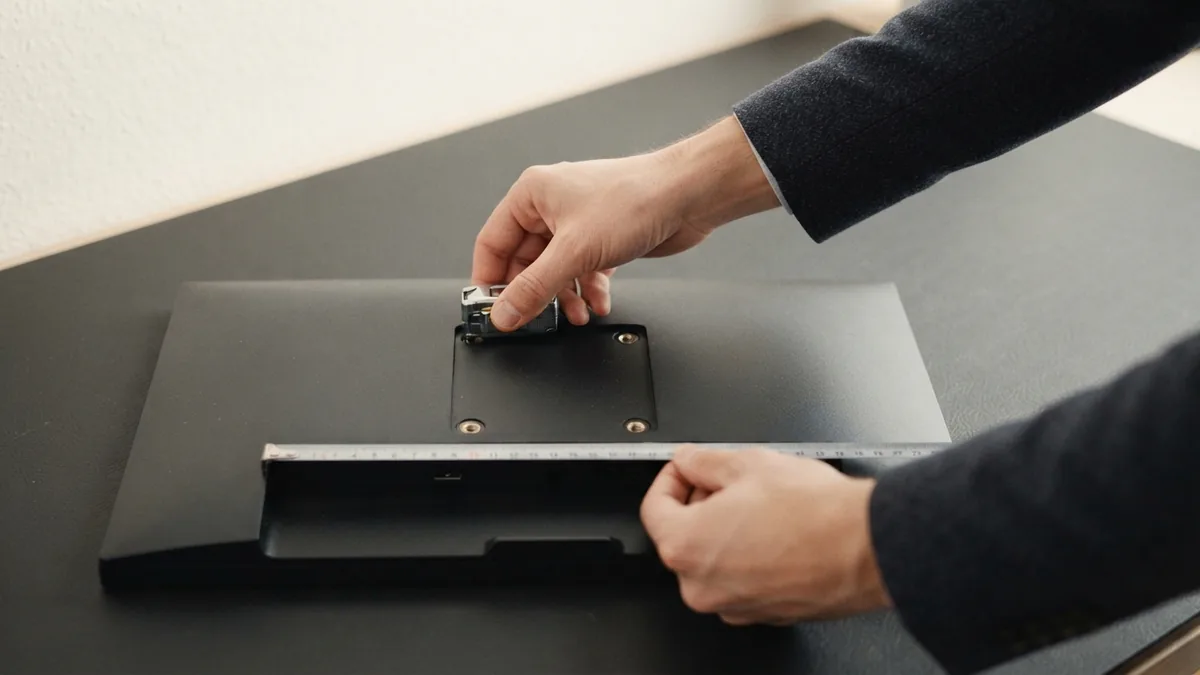
First, place the screen face down on a soft, clean surface. Ask another person to help with large or heavy screens.
- Find the four threaded holes on the rear panel.
- Measure from the centre of the left hole to the centre of the right hole.
- Measure from the centre of the top hole to the centre of the bottom hole.
- Record both distances in millimetres.
- Compare the result with the mount’s supported VESA sizes.
For example, a 200 × 200 pattern has 200 millimetres between holes. Measure centre to centre, not edge to edge.
Some screens have holes with different depths or screw sizes. Check the manual before inserting any screw.
Common VESA Sizes Explained
Small monitors often use 75 × 75 or 100 × 100 patterns. These sizes suit many office screens and compact displays.
Many mid-sized TVs use 200 × 200 or 300 × 300 patterns. Larger TVs may use 400 × 200, 400 × 400, or bigger layouts.
| VESA size | Common use | What to check |
|---|---|---|
| 75 × 75 | Small monitors | Screen weight and screw depth |
| 100 × 100 | Monitors and small TVs | Mount range and rear shape |
| 200 × 200 | Medium TVs | Bracket width and wall clearance |
| 400 × 400 or larger | Large TVs | Weight rating and fixing strength |
These sizes describe hole spacing, not screen size. Two screens of the same size can use different patterns.
Some mounts support many patterns. Others support one fixed size, so read the product sheet with care.
Why VESA Compliance Matters
The main benefit is display compatibility. A matching mount places its arms over the screen’s threaded holes.
That match spreads the load across the rear panel. It also reduces stress on the screws and bracket.
A poor fit can cause loose screws, a tilted screen, or panel damage. In severe cases, the display may fall.
- It helps the mount fit the display.
- It supports a more stable installation.
- It makes replacement mounts easier to find.
- It reduces guesswork during TV mounting.
- It helps you check weight and screw limits early.
VESA compliance does not make every installation safe by itself. The wall, fasteners, mount rating, and installation method also matter.
How to Check VESA Compliance on Your TV
Most modern TVs are VESA compliant. Still, some models use unusual spacing or no rear mounting holes.
Start with the owner’s manual or the maker’s product page. Search for “VESA,” “mount pattern,” or “wall mount support.”
Then inspect the rear panel for four threaded holes. Measure the pattern if the manual does not give clear numbers.
- Write down the exact TV model number.
- Check the listed VESA pattern.
- Check the TV’s weight without its stand.
- Check the screw type and maximum screw depth.
- Look for a rear bump that could block the bracket.
A manual may list a range rather than one size. Treat that range as a limit, not a guess.
If no pattern appears, contact the maker before buying a mount. Do not drill new holes in the TV case.
Choosing the Right VESA Mount
Choose a mount that lists your VESA size and supports your display’s weight. The mount should also suit your wall type.
Fixed mounts sit close to the wall. Tilting mounts help reduce glare from high or low viewing spots.
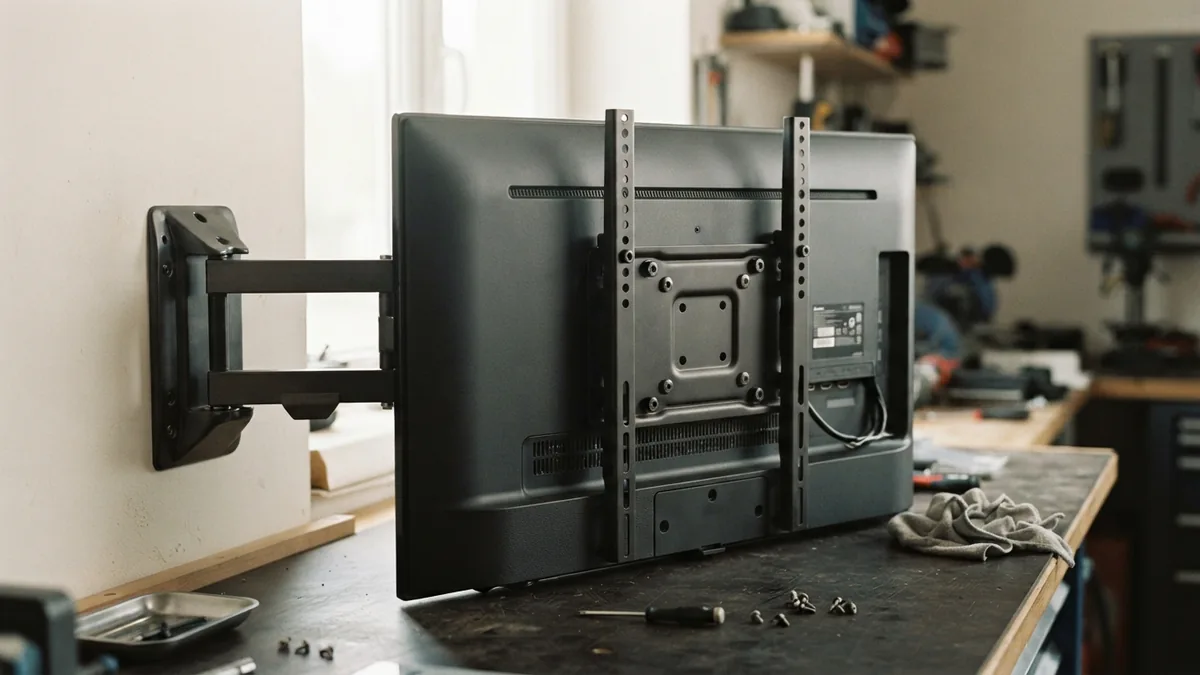
Full-motion mounts use an arm that lets you turn and pull the screen forward. They need strong wall fixings and more space.
- Match the mount’s VESA range to the measured pattern.
- Confirm the weight limit exceeds the TV’s weight.
- Check the mount’s screw sizes and depth range.
- Confirm the wall can hold the combined load.
- Leave room for cables, vents, and power plugs.
Universal mounts often use sliding arms. They can fit several patterns, but their rails must not cover ports.
For a desk monitor, check the stand’s clamp range and desk thickness. For a wall mount, check the supplied wall bolts.
Safe Installation Checks
Read the mount guide before lifting the screen. Gather a level, tape measure, stud finder, and the correct screwdriver.
For plasterboard walls, fix the mount to studs or use a suitable load-rated system. A hollow wall plug may not hold a heavy TV.
Keep the mount level during marking and drilling. A level bracket helps the screen sit straight.
- Remove the screen stand before mounting.
- Use only the supplied or approved screws.
- Do not force a screw into a shallow hole.
- Keep vents clear after installation.
- Test the screen gently before releasing it fully.
After fitting the TV, check every screw and arm joint. Recheck them after a short period of use.
The best result comes from three matches. The hole pattern, mount rating, and wall fixing must all suit the display.
Quick VESA Compliance Checklist
VESA compliance is simple once you know the pattern and load limits. The key step is checking the screen before buying hardware.
Use this short list when planning a monitor or TV mount:
- Find the four mounting holes.
- Measure horizontal and vertical spacing.
- Confirm the pattern in the manual.
- Check screen weight and screw depth.
- Choose a mount made for that pattern.
- Check the wall and cable clearance.
When the measurements match, a VESA-compliant mount should fit the display. Safe wall fixing still remains your responsibility.
If the pattern looks unusual, pause the purchase. The manual or screen maker can confirm the right mounting solution.
Frequently asked questions
- What is VESA compliance?
- VESA compliance means a TV or monitor uses a standard rear mounting hole pattern. A matching mount can attach through those holes.
- How do I measure a VESA size?
- Measure the horizontal and vertical gaps between the hole centres. Record both numbers in millimetres, such as 100 × 100.
- What are the most common VESA sizes?
- Common sizes include 75 × 75, 100 × 100, 200 × 200, and 400 × 400. Larger TVs may use larger patterns.
- Are all TVs VESA compliant?
- Most modern TVs support a VESA pattern, but some use unusual spacing. Check the manual or maker’s product page before buying a mount.
- Will any VESA mount fit my TV?
- Yes, if the mount supports the same hole pattern, screen weight, and screw depth. The wall and fixing method must also support the load.
- How do I check VESA compliance before mounting a TV?
- Check the mount pattern, weight rating, screw size, wall type, and cable clearance. These checks help prevent a poor or unsafe fit.
Related reading
How Lawsuits Affect a Company’s Finances, Work, and Trust
See how lawsuits affect costs, staff, daily work, and customer trust.
PCI DSS Compliance: Rules and Responsibilities
Understand PCI DSS rules, payment duties, assessment steps, and common costs.
Working in Venture Capital
Explore VC roles, core skills, and steps to build a career in venture capital.